Creative Pear Agency: Dando vida a tus proyectos

Un lugar único para todas tus necesidades de marketing y creatividad

¡Somos un equipo de peras certificadas!

En Creative Pear Agency, nos enorgullecemos de ser un equipo de profesionales certificados con habilidades y conocimientos de vanguardia, dedicados a ofrecer soluciones digitales innovadoras.
Nuestro compromiso con la excelencia y la búsqueda constante de la mejora continua son el núcleo de todo lo que hacemos. Únete a nosotros para convertir tus aspiraciones digitales en realidad.

Creative Pear Agency

Nuestro enfoque en el marketing digital resalta la creatividad, la importancia de las métricas y procesos estructurados, asegurando que tus proyectos sean visualmente atractivos y estratégicamente sólidos. Adaptadas a las pautas únicas de tu marca, nuestras soluciones abarcan desde estrategias de contenido perspicaces y diseños intrincados, hasta desarrollo web profesional, cubriendo todas tus necesidades para una presencia digital cohesiva y de gran impacto.
Sticker Creative Pear "What you envision we create"

TU DEPARTAMENTO

CREATIVO INTERNO

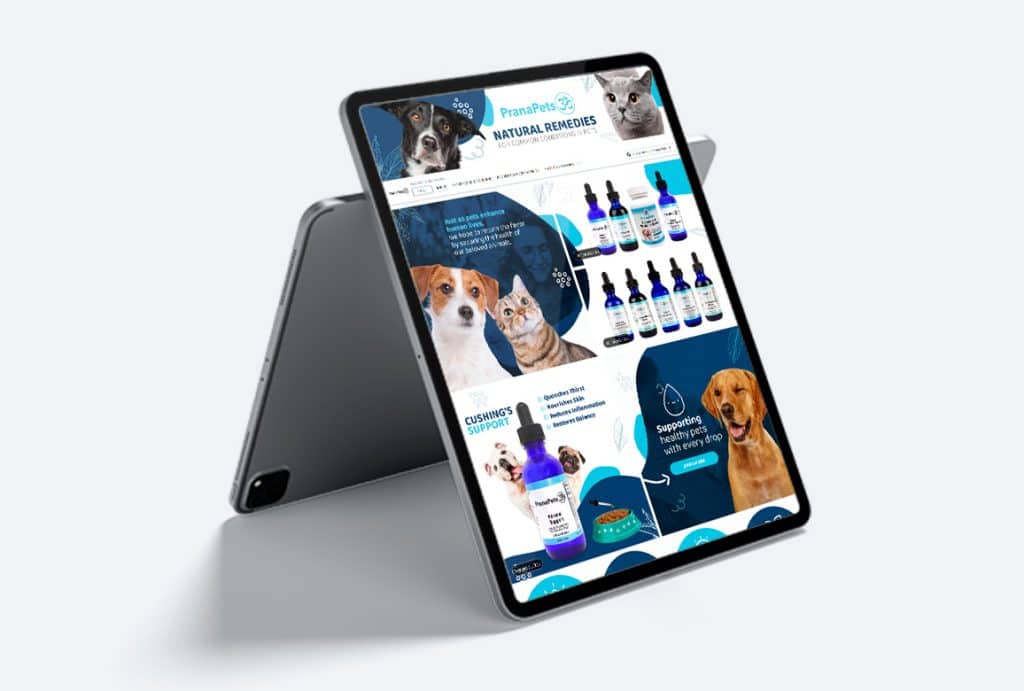
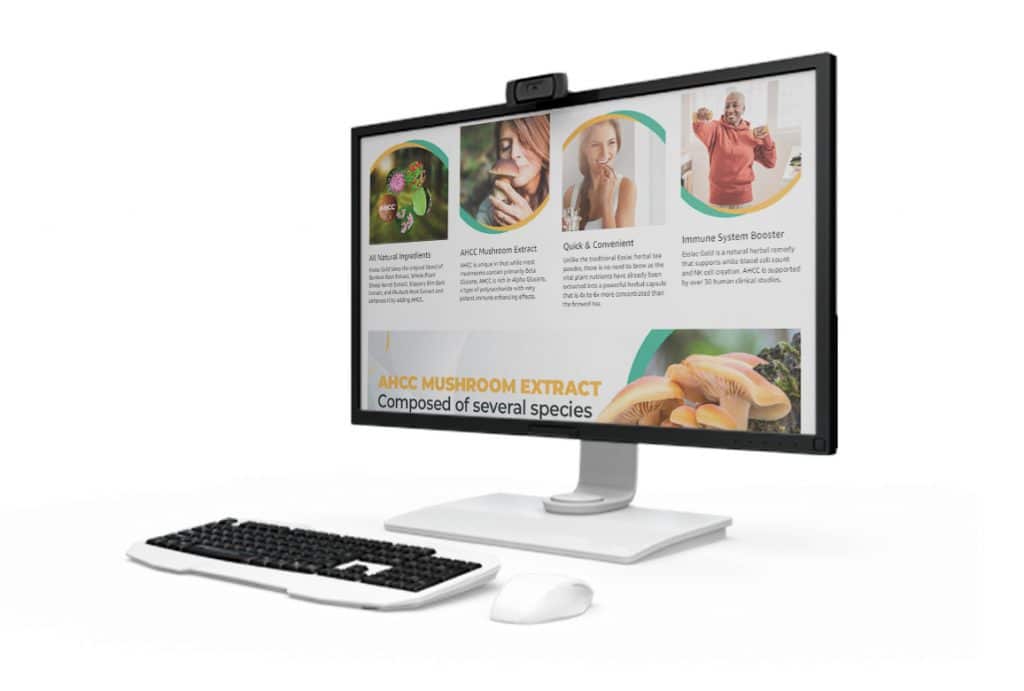
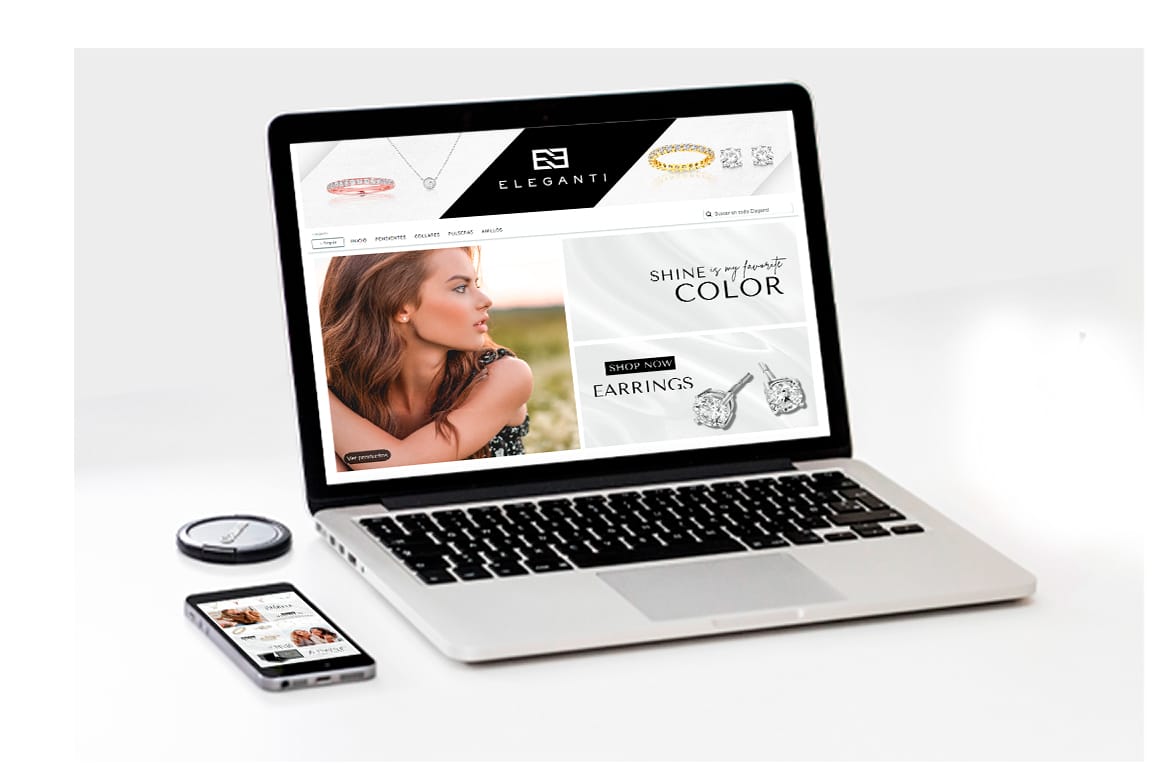
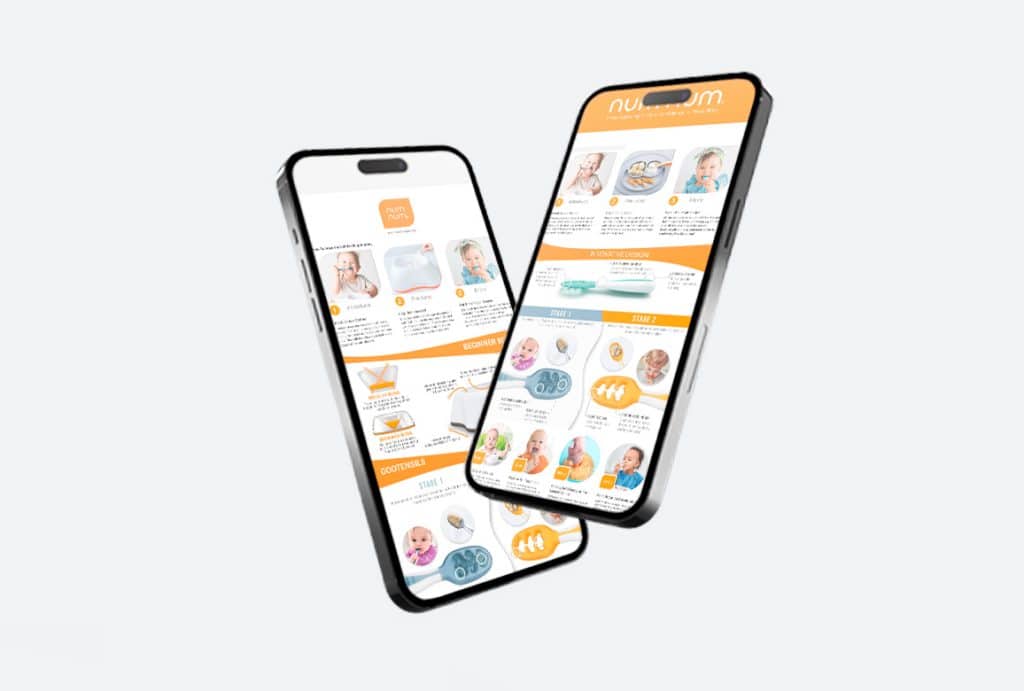
Digital marketing agency Mockup

Lo Que Hacemos

El marketing es mucho más que promoción y publicidad. ¡Se trata de hacer conexiones! Entendemos la importancia de construir relaciones sólidas con los clientes, ya que estas conexiones impulsan el crecimiento y el éxito.
¡Trabajemos juntos y comencemos a hacer conexiones significativas que llevarán tu negocio a nuevas alturas!

Servicios de Branding

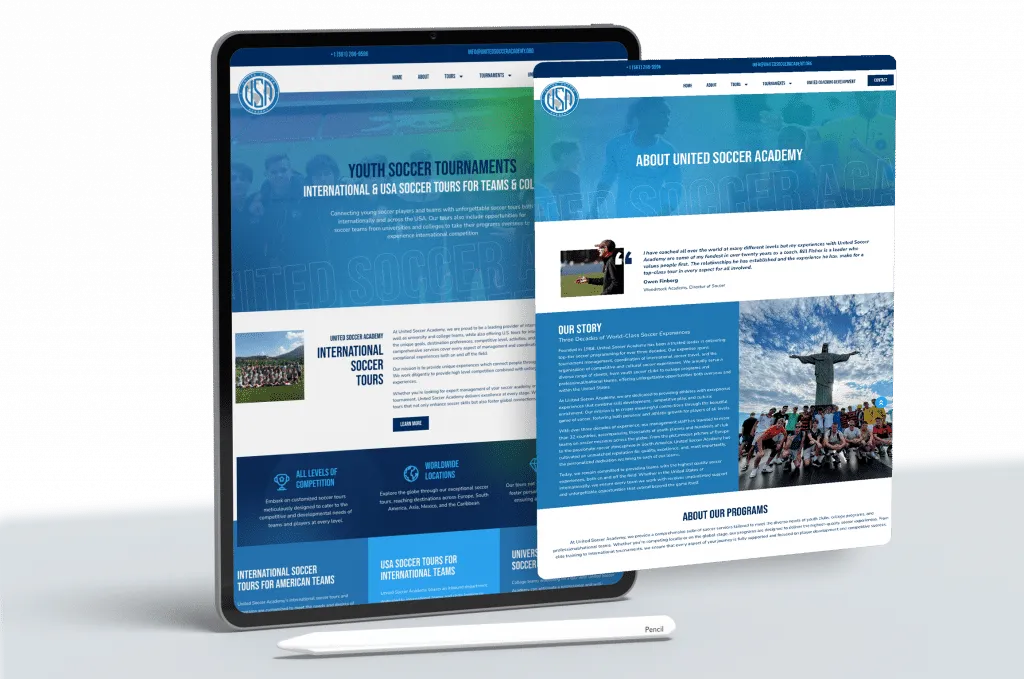
Servicios de Desarrollo de Sitios Web

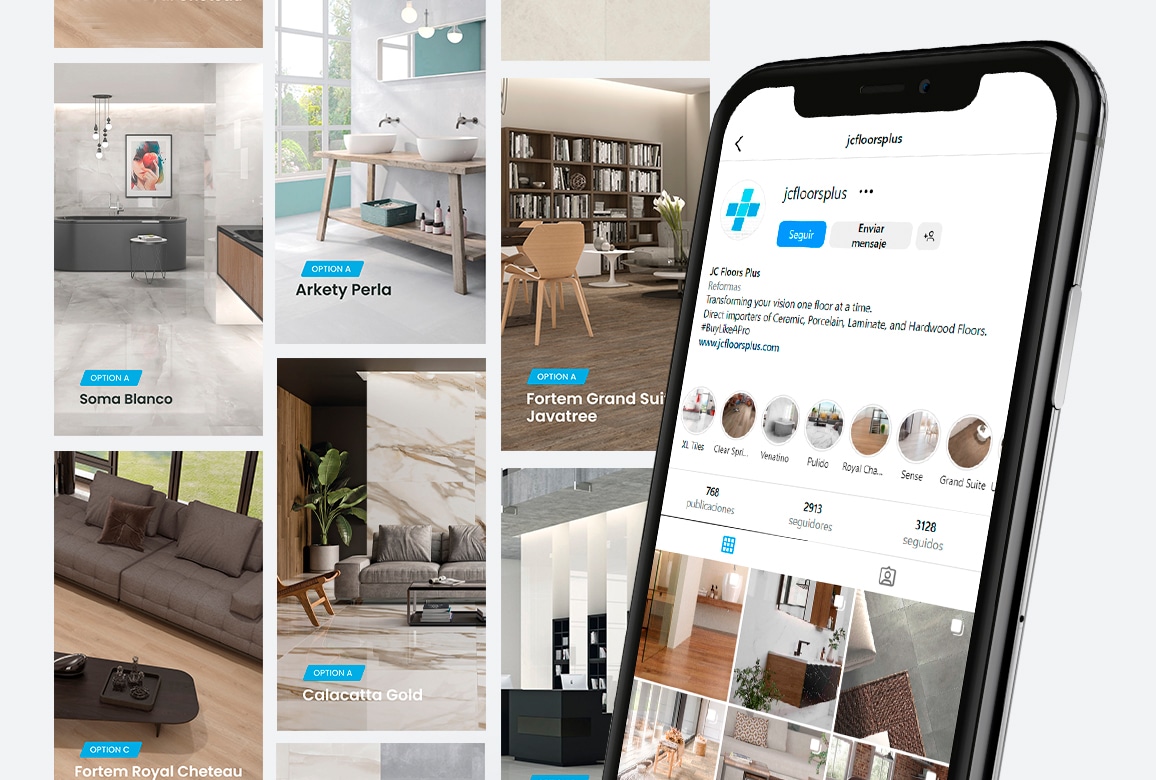
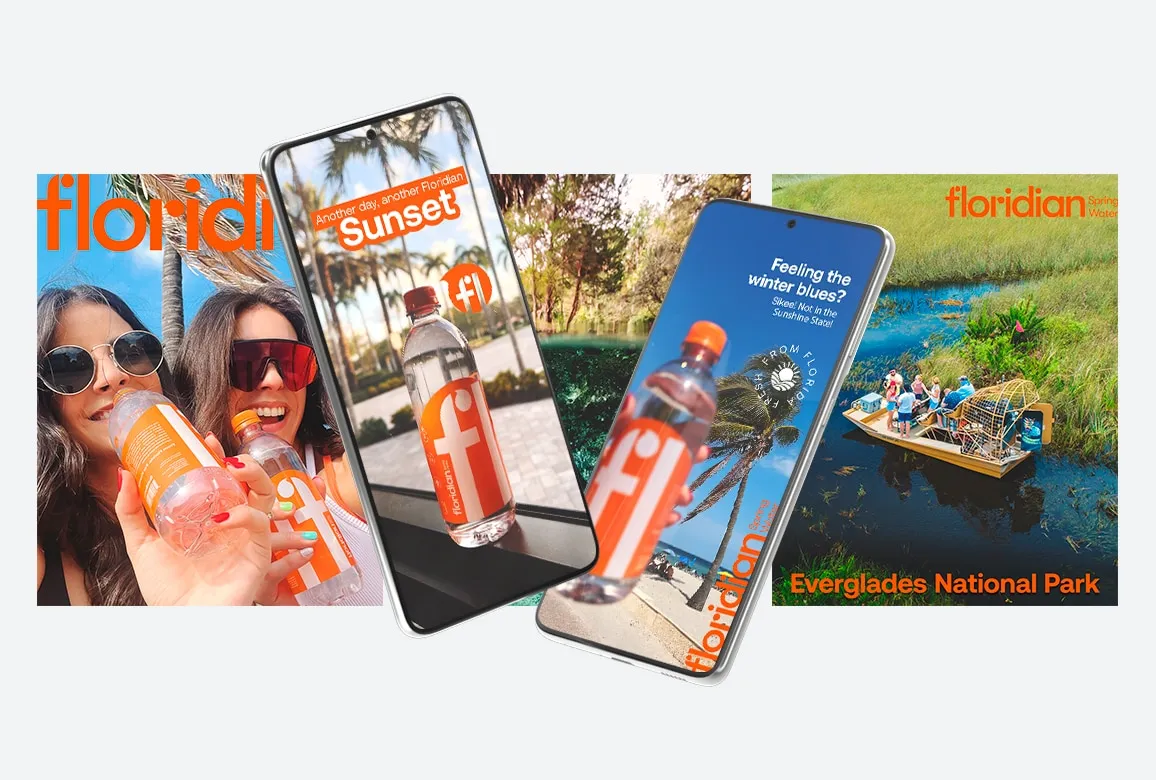
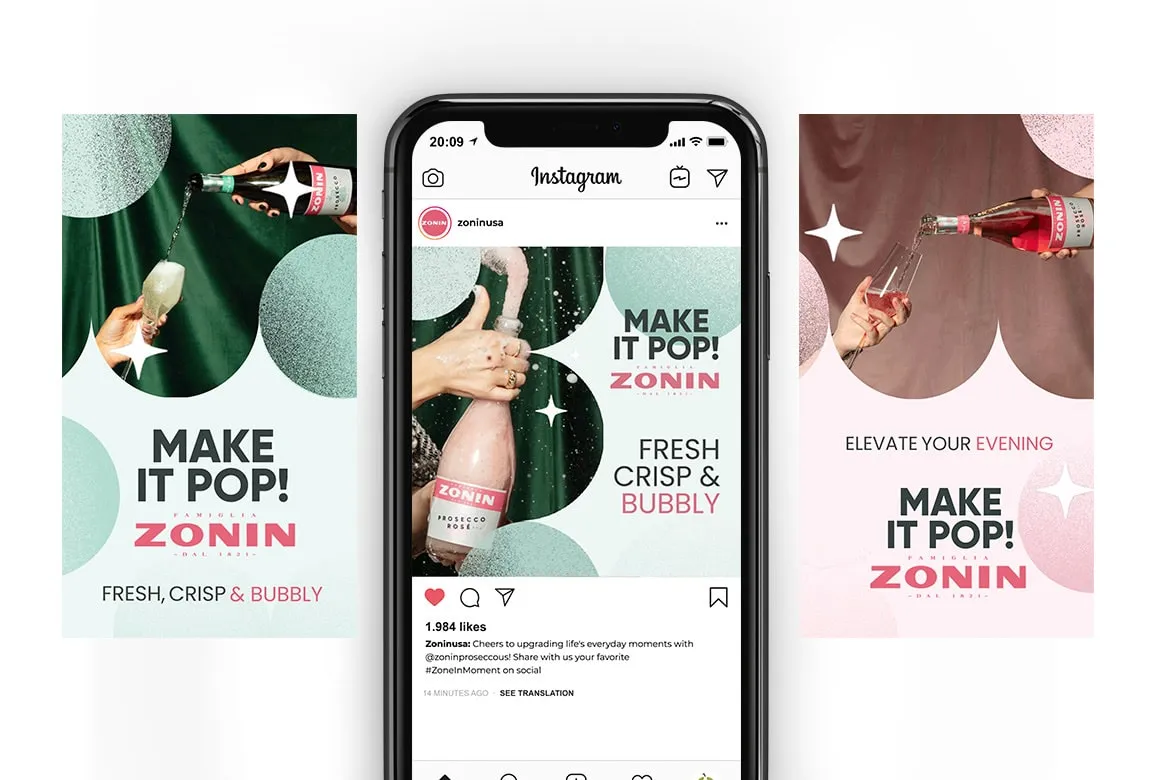
Servicios de Redes Sociales

Social Media

Digital Marketing

Servicios de Marketing Digital

Servicios de Marketing en Amazon

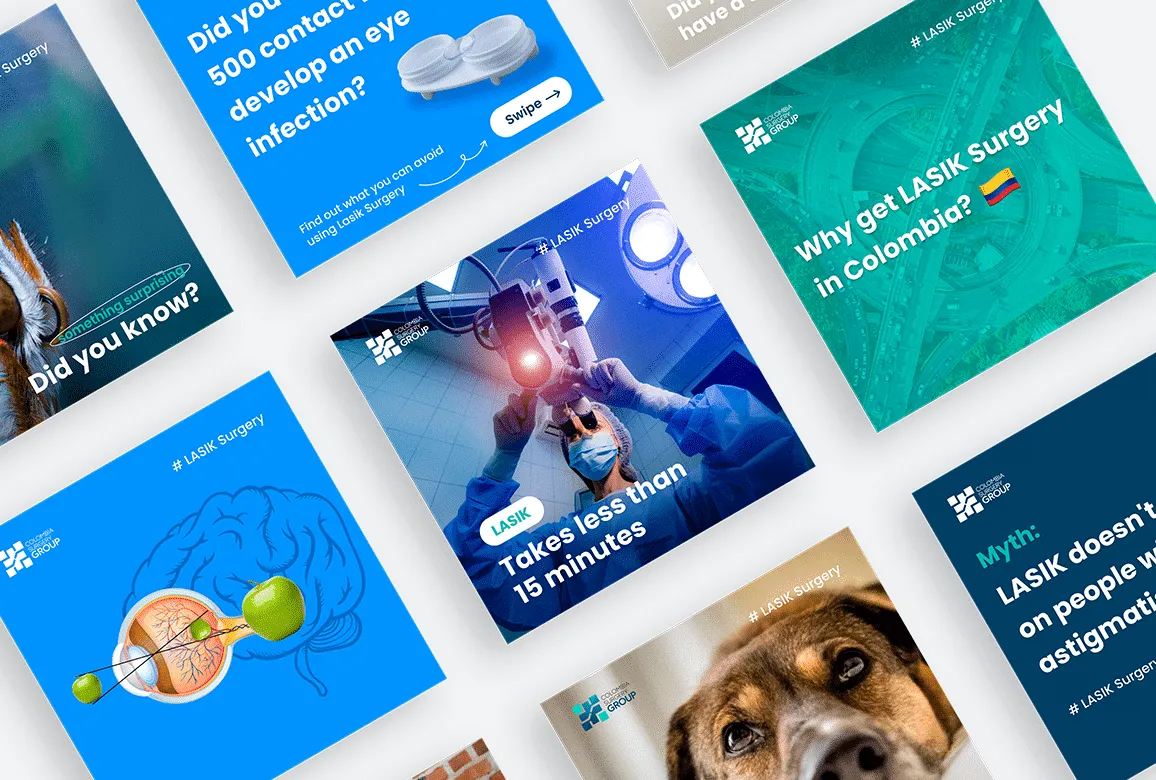
Servicios de Creación de Contenido y Diseño

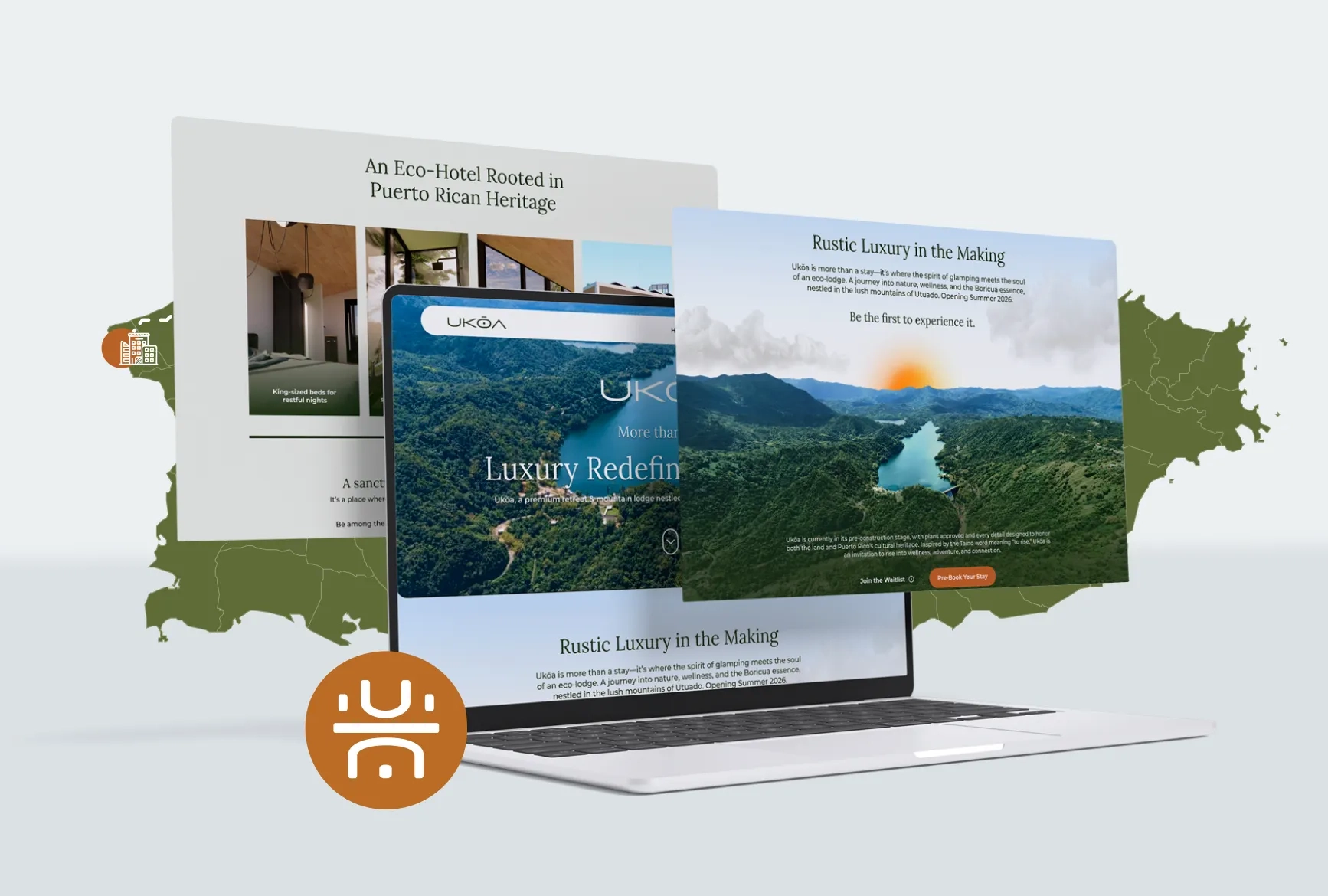
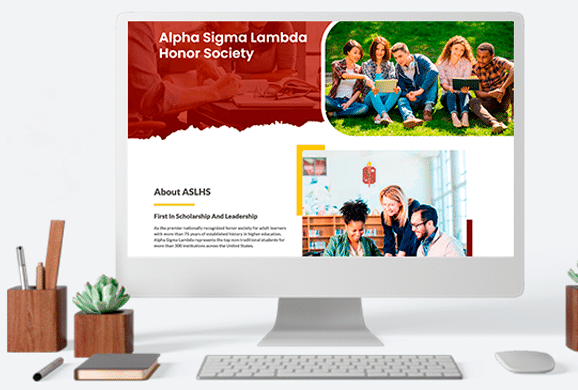
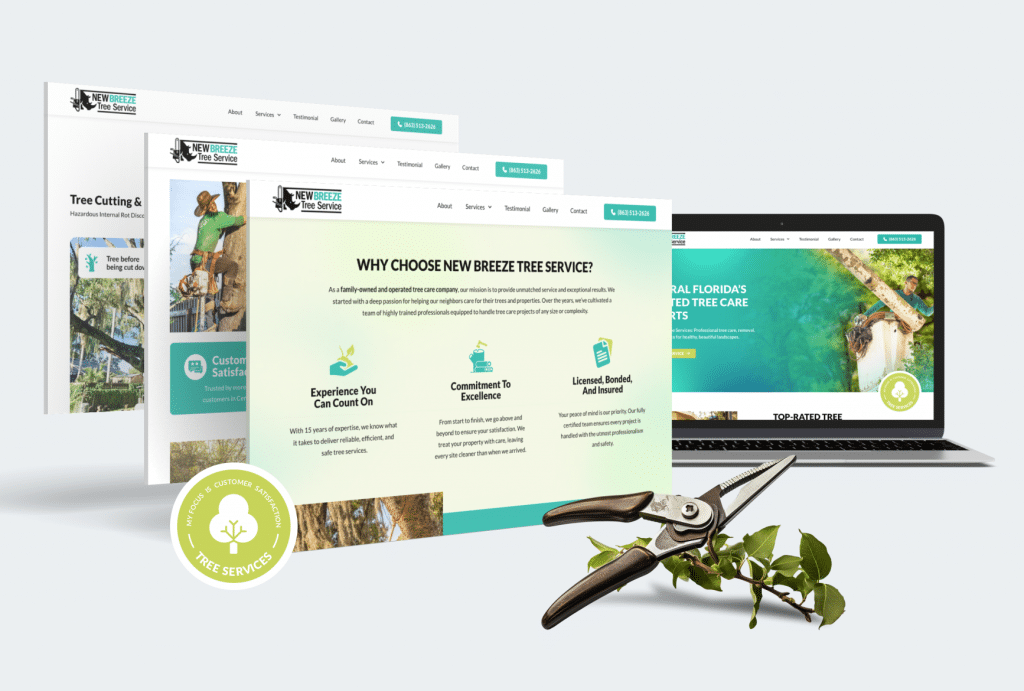
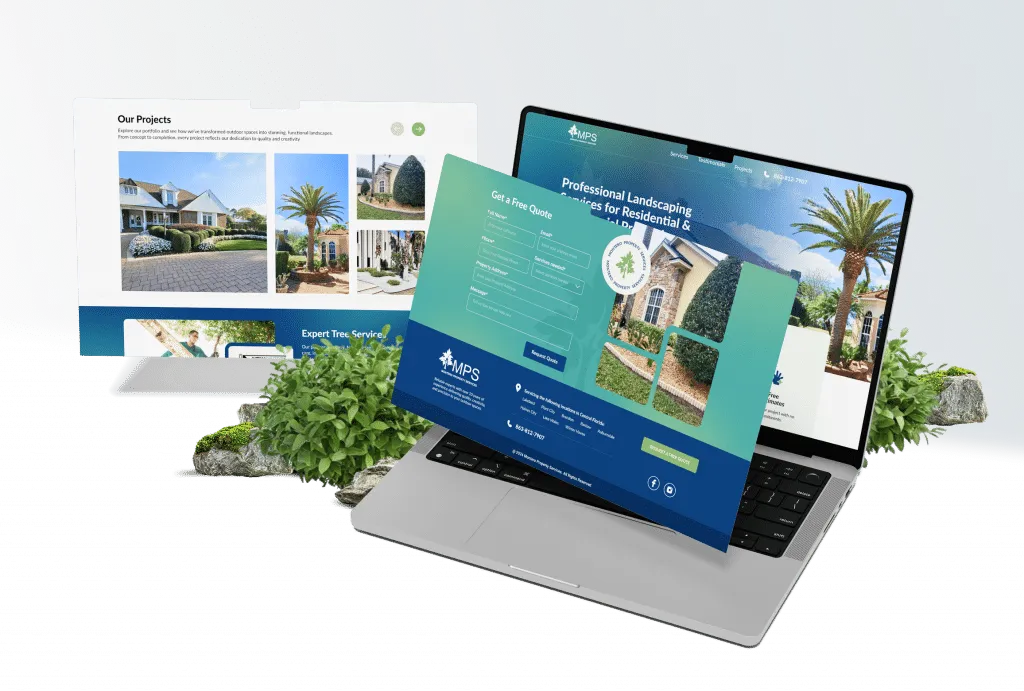
PROYECTOS RECIENTES

Una agencia de desarrollo creativo premier con sede en Miami

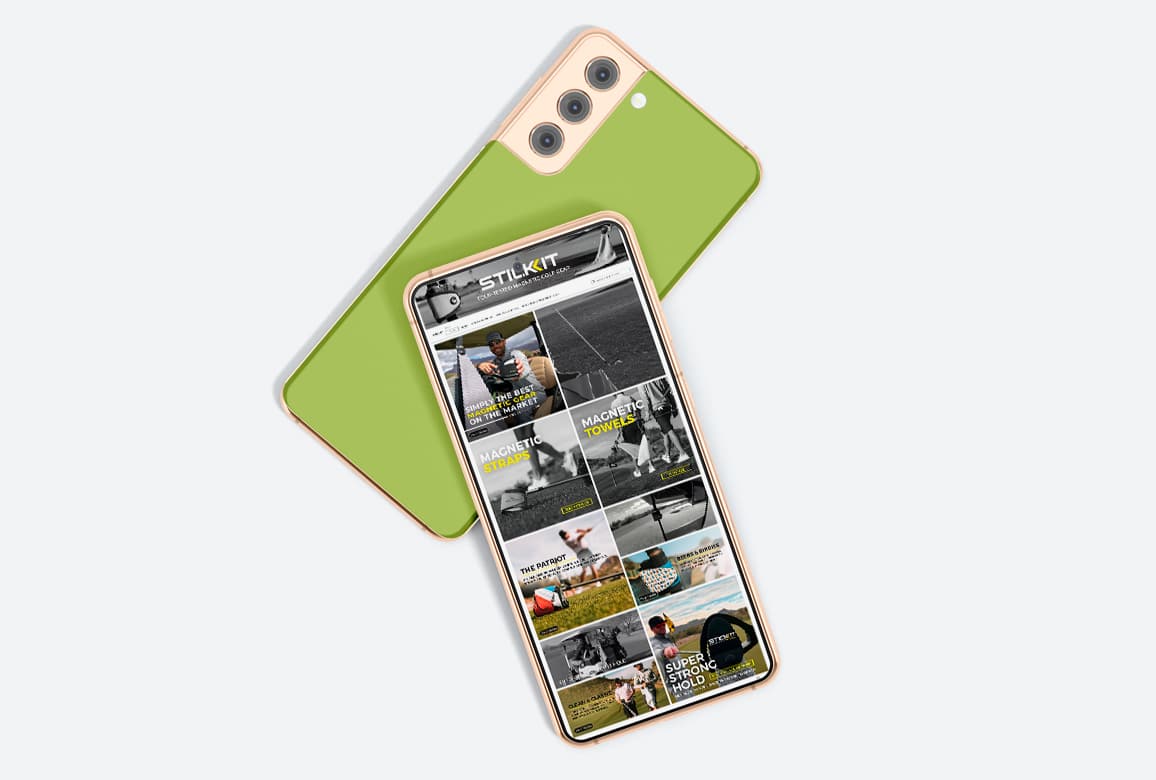
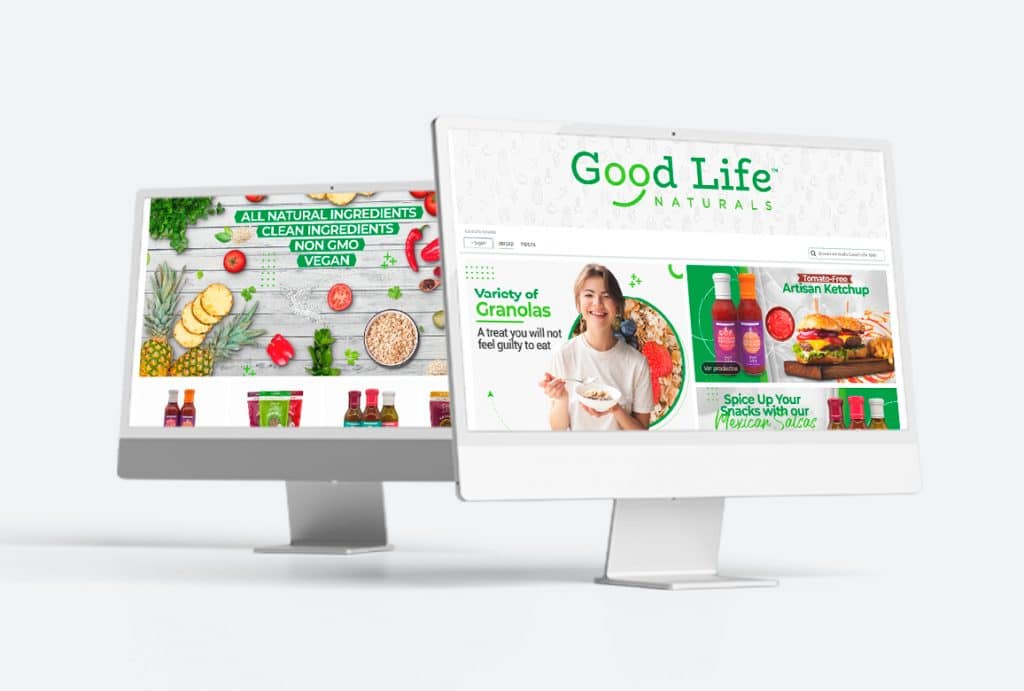
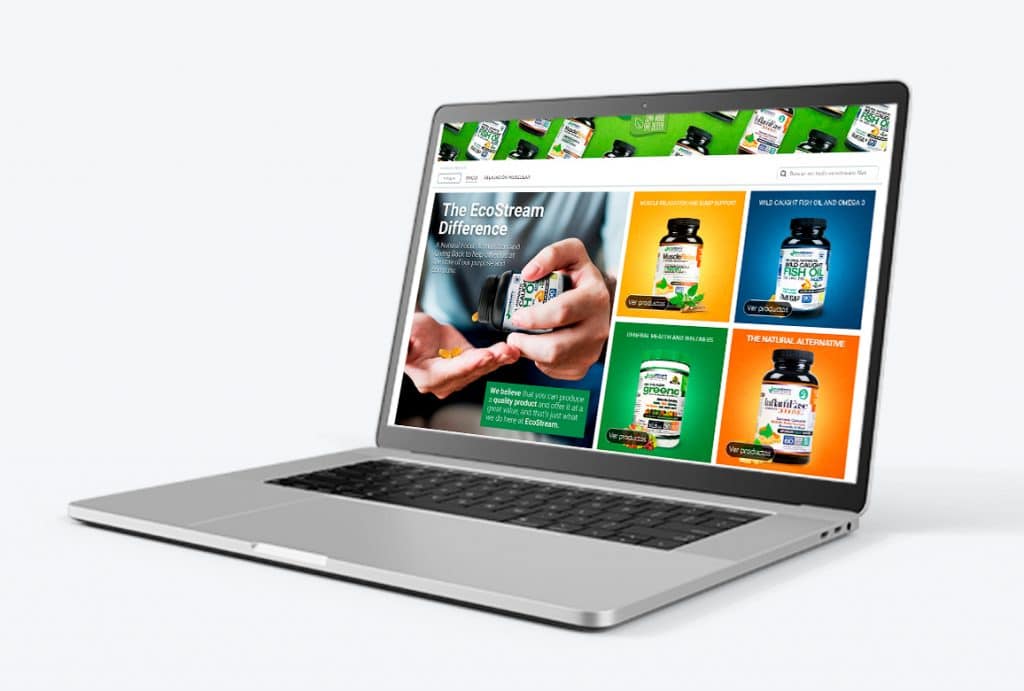
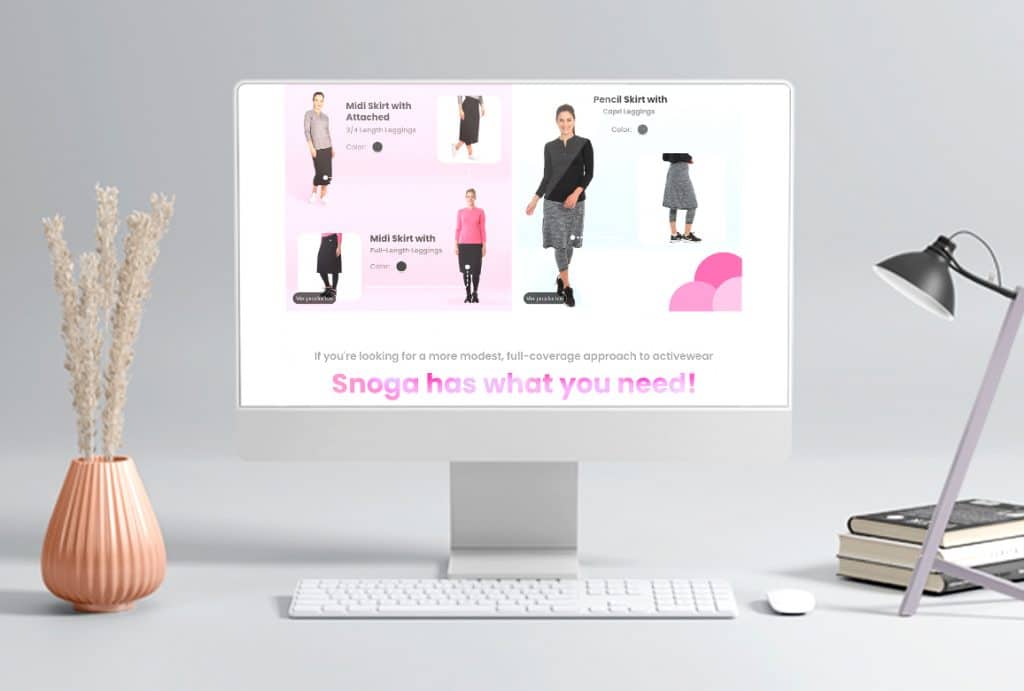
Te ofrecemos todo lo que necesitas para crear el sitio web de tus sueños

Nuestro equipo creativo se encargará de todo; nuestro paquete de desarrollo incluye lo siguiente:
  • Diseño según tus requisitos.
  • Optimización de contenido.
  • Seguridad.
  • Velocidad.
  • Mantenimiento y asesoría sobre las mejores prácticas.

Obtendrás un sitio web con un diseño hermoso y un rendimiento óptimo de manos de profesionales.

¿Por qué elegir Creative Pear como tu agencia de Marketing Digital?

En el bullicioso panorama digital de Miami, elegir la agencia creativa adecuada puede ser el catalizador para catapultar tu marca a nuevas alturas. Creative Pear se destaca como una ejemplar agencia creativa bilingüe en Miami, ofreciendo una amplia gama de soluciones de marketing digital hechas a medida para resonar con audiencias tanto en inglés como en español.

Creative Pear Agency se especializa en enriquecer tu presencia en línea a través de una combinación de contenido escrito y visual atractivo.

Nuestros servicios incluyen la creación de videos dinámicos, imágenes vívidas, desarrollo web personalizado y transformaciones exhaustivas de branding, cubriendo cada aspecto de tu identidad digital con precisión y creatividad.

Una agencia de marketing creativo en Miami

Nos destacamos en la creación de soluciones personalizadas de marketing, branding y contenido adaptadas a las necesidades de tu negocio. Nuestros servicios abarcan desde el diseño de gráficos exquisitos para tus plataformas de redes sociales hasta la implementación de herramientas de análisis sofisticadas para rastrear las interacciones de los clientes con tus productos.

Confía tus estrategias de marketing a nuestros expertos y tus necesidades de diseño a nuestro equipo creativo.

NUESTRO BLOG

INFORME PEAR

The 5 Questions You Must Ask Before You Hire a Website Developer

The 5 Questions You Must Ask Before You Hire a Website Developer

Finding the right website developer can be challenging, especially with so many options and technical details. To make a smart choice, you need more than just a positive portfolio—asking the right questions helps ensure a successful web project. 1. What Relevant Experience Do You Have? Why it matters: Experience is crucial for quality work and fast problem-solving. Ask about projects similar to yours and what platforms, industries, or technologies they’ve worked with. Request case studies or portfolios to better understand their skill set. Guiding question: Have you built websites like mine before? Can you show examples? 2. What Programming Languages and Tools Do You Use? Why it matters: Each website project needs specific technology. Confirm the developer is proficient in languages (like HTML, CSS, JavaScript, PHP) and platforms (WordPress, Shopify, custom solutions) that fit your goals. If you want specific features (SEO, e-commerce, speed), ask which tools they prefer. Guiding question: Which languages, tools, and frameworks will you use for my site, and why? 3. What Is Your Approach to Communication and Project Management? Why it matters: Clear and regular communication avoids confusion and keeps your project on track. Ask how they handle reporting, meetings, milestone updates, and who your main point of contact will be. Guiding question: How will we communicate during the project, and what reporting or updates do you provide? 4. What Are Your Fees and What Does the Price Include? Why it matters: Costs can vary widely. Request a comprehensive quote that explains what’s included (design, development, testing, revisions, SEO, training). Ask about extra fees—for things like ongoing maintenance, additional features, or content migration. Guiding question: Can you break down your pricing, including what services and future support are covered? 5. Do You Offer Maintenance, Support, or Training After Launch? Why it matters: Websites need ongoing updates, bug fixes, and sometimes training for your team. Clarify what support you’ll get after the site goes live and how updates will be handled. Guiding question: What ongoing support or training do you provide after launch? Ready to Hire Smarter? Let’s Take the Next Step A website developer isn’t just a coder, they can be your partner in bringing your business vision to life. By asking the right questions, you set the stage for a smoother project, clearer communication, and a website that grows with your company. Don’t leave your website’s future to chance! You might be interested: 7 Sins about website application development Are you ready to explore what expert web development can do for your brand? We invite you to book a call or meeting with Creative Pear for a personalized website exploration. Let’s clarify your goals, discover opportunities, and see how our experienced team can help you achieve results tailored to your business.​ Click here to schedule a free consultation, let’s unlock your website’s full potential together! If you have more questions, leave them in the comments, and we’ll be happy to help.

Leer articulo
What is a plugin

What is a Plugin? A Beginner’s Guide to Website Enhancements

If you’ve created a website or used platforms like WordPress, chances are you’ve come across the term plugin. But what is a plugin, really? This article will answer that and go further, exploring how plugins work, their benefits, risks, and new trends—like incorporating artificial intelligence. What is a Plugin? A plugin is a small software component that adds a specific feature or function to an existing computer program or website. Think of it like an add-on or extension: you don’t have to change the core system to enhance it—you simply ‘plug in’ new capabilities. Example: Adding a contact form to your site? Use a plugin. Want your photos to look sharper? Try an image optimization plugin. Need to optimize for search engines (SEO)? Install an SEO plugin. Plugins make websites flexible and customizable—you choose only what you need. How Do Plugins Work? Most plugins are easy to install and activate. In website platforms like WordPress, you simply: Browse the plugin directory Click “Install” Activate the plugin The plugin then runs alongside your site, adding its new features. Some plugins require extra configuration, but most are beginner-friendly.   Advantages of Using Plugins Save time: Add features instantly, no coding required. Stay up to date: Developers frequently update plugins with new options or security patches. Expand functionality: From SEO to ecommerce, to backups—plugins can do almost anything. Affordable: Many plugins are free or low-cost. Are There Risks In Using Plugins? Yes, there are a few things to watch for: Too many plugins can slow down your website. Outdated or unsupported plugins may have security vulnerabilities. Some plugins may conflict with others, leading to technical issues. Tip: Always download plugins from trusted sources and update them regularly. Popular Types of Website Plugins SEO plugins: Improve search rankings Security plugins: Protect your site from hackers Social media plugins: Integrate sharing buttons Backup plugins: Keep your data safe AI plugins: Enhance content, personalize user experience The Rise of AI Plugins Artificial intelligence is transforming website plugins. With AI-powered plugins, you can: Generate content automatically Analyze visitor behavior and personalize page layouts Offer chatbots for customer support Automate SEO updates Staying updated on the latest AI plugins can give your site a competitive edge. How to Choose the Right Plugin? Purpose: What problem does it solve? Popularity: Are there good reviews? Updates: Is it regularly maintained? Compatibility: Will it work with your site’s version? Support: Is there available help? Always test plugins on a staging site before adding them to your main website, especially if it’s a business or ecommerce site. Frequently Asked Questions (FAQs) Q: Are plugins safe to use? A: Most are safe, but always choose plugins from reputable sources and keep them updated. Q: Can plugins slow down a website? A: Yes, especially if you install too many. Use only what you need. Q: What are examples of popular plugins? A: Yoast SEO, Akismet Anti-Spam, Elementor, WP Rocket, and ChatGPT for WordPress. Q: Do I need to know coding to use plugins? A: No—most plugins are designed for beginners with simple installation steps. Q: How is AI changing plugins? A: AI plugins automate tasks like content creation and user personalization, making sites smarter and more engaging. The Plugin Advantage: Tiny Tools, Big Impact for Your Website A plugin is like a Swiss Army knife for your website small, powerful, and endlessly versatile. Use them wisely to enhance your site’s functionality, improve SEO, and leverage new trends like artificial intelligence. If you’d like to know more about plugins or have specific questions, let us know in the comments! We’re here to help and eager to continue the conversation. Would you like a tailored recommendation for your business or niche? Just tell me your site needs or industry, and I can personalize this guide even further.

Leer articulo

Mantén el contacto!

Creative Pear - Grafico decorativo con logo sobre puesto